Category: Blog

Blog posts from The Unite group.

Here at the Unite Group, we like to keep our clients and network up to date with the information that can help them in their business using our blog pages.

We cover topics such as IT support, Hosted telephony, Cyber security, Digital marketing, and much more. We think it is important to educate our audience using our blog, not only on these topics but to give a behind-the-scenes view on what is going on day to day at the Unite Group and the people who make up our team. Having knowledge of what we offer can help you to make a more informed choice on the services you need and which ones would work best for your business.

If there are topics you would like to see us create content around then drop us an email and we will get these added for you.

  • 4 ways cloud telephony can improve the customer experience

    4 ways cloud telephony can improve the customer experience

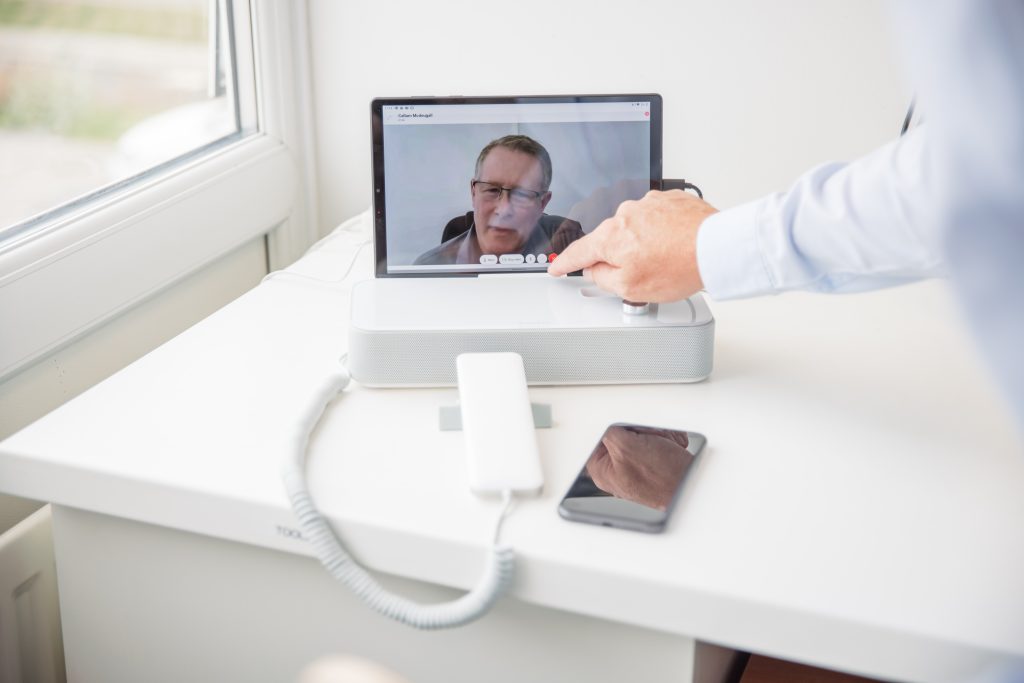
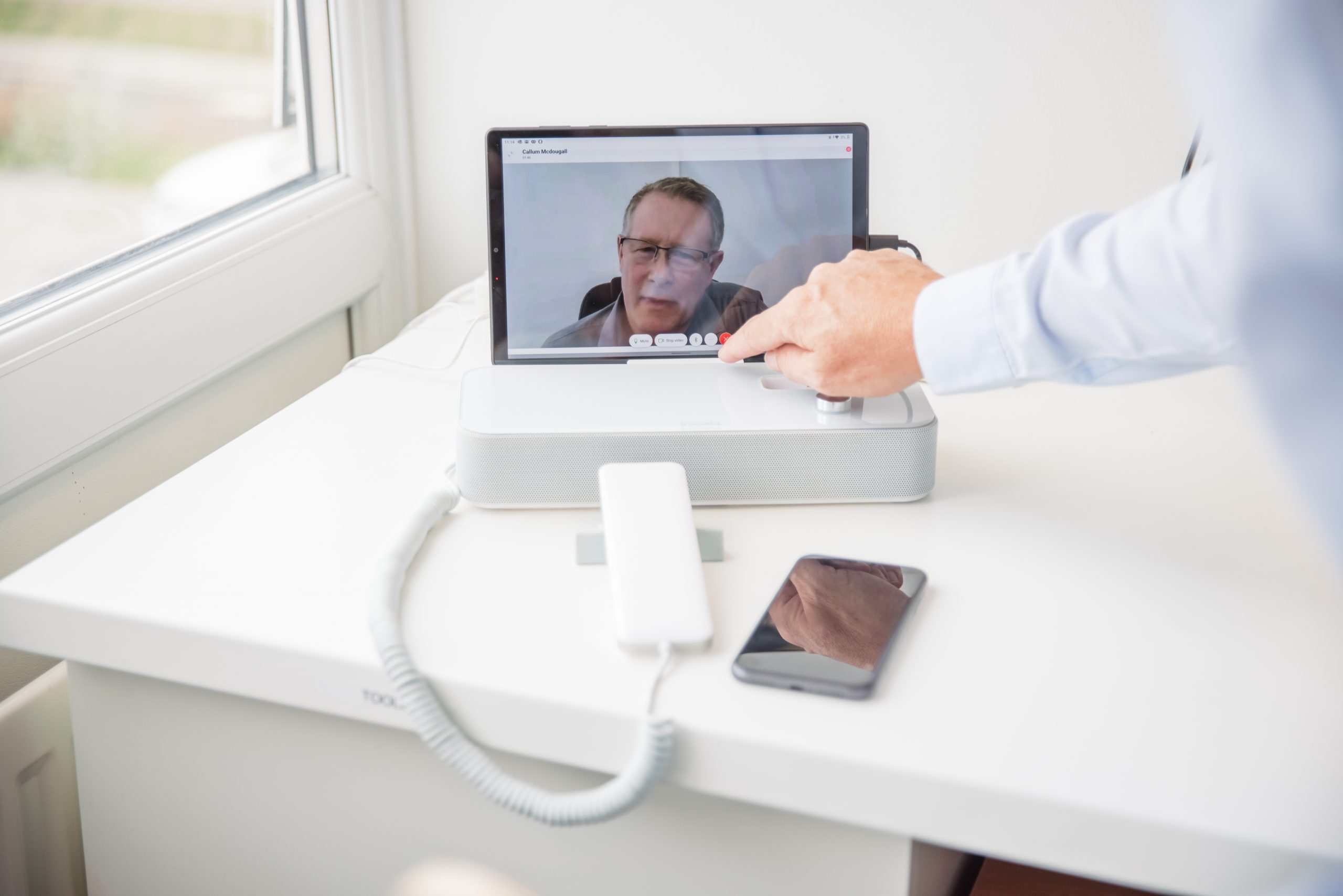
    There are many elements that need to work together to deliver an exceptional customer experience. Communication is one of the most important. Most businesses give customers a variety of communication channels to support synchronous and asynchronous communication, depending on the situation. Telephony is the most common way customers will contact a business, businesses should invest in cloud telephony to improve the customer telephony experience.

    Whilst some businesses are still using on-premises phone systems, many businesses made the move to cloud telephony to support remote and hybrid working. However, not all businesses are making the most of cloud telephony. In this article, we will discuss 4 ways cloud telephony can improve the customer experience.

    What is cloud telephony?

    For the uninitiated, cloud telephony is a phone system that runs through an internet connection, rather than traditional PSTN. Businesses can still keep their phone numbers, and aa desk phonesis still required there are hardware options available. With cloud telephony, employees can also answer phone calls from other devices, such as their work computer, or mobile phone.

    How Cloud Telephony Can Improve the Customer Experience

    Powerful Calling Features

    One of the ways that cloud telephony can improve the customer experience is through powerful calling features. One of these features is a form of Interactive Voice Response (IVR) this is known as an auto attendant. This feature connects callers to the appropriate person or department based on the caller’s input to the provided menu options. With auto attendant, the menu options can be recorded by the business. The caller can select the desired option either through the keypad or with speech recognition. This feature improves the customer experience as it ensures that callers can speak to the right department quickly and easily, without having to be put on hold or transferred.

    Cloud telephony solutions, such as Microsoft Teams Phone, also have significantly better reporting features, in comparison to traditional phone systems. These reports can give a business insights into the average wait time for callers, the quality of each call, how many calls are routed to each department, as well as timelines for each agent, showing their call activity. These insights enable businesses to make data-driven internal changes to improve the calling experience.

    Simple Call Recording

    For businesses looking to improve the customer experience, it is important to be able to determine any problem areas in processes and conversations. This is achievable through call recording, which is simple to implement with a cloud telephony. Call recording can be turned on for all calls, or if you have a set policy around set calls being recorded then we can set it so only those calls are recorded. The call recordings can be automatically uploaded to cloud storage. We can set make sure we set permissions so the correct people to access just what they need. Call recording can also help agents, as they can review their own calls to recover overlooked details.

    Enable Scalability

    For businesses that are growing quickly or have busy periods of the year where they require temporary workforces, it is essential that their technology can scale up and down with them. On-premises telephony solutions do not allow for simple scaling as it requires a technician to come on-site to install new lines and hardware. This lack of scalability often hurts the customer experience as it results in more calls with fewer agents, leading to longer wait times. Using cloud telephony solution allows us to add new agents within minutes. This means that the business only pays for the number of licenses that are needed at that time.

    Increased Mobility

    As hybrid work has become commonplace in many businesses, and with sales teams back on the road, meeting clients in person, we must be able to make and receive calls from anywhere. This is not possible with a traditional phone system, however, it is simple with cloud telephony. With Microsoft Teams Phone, employees can install the Teams application on their personal phone and use it as if it was a desk phone or work-issued mobile phone. This is a positive for businesses as well as there is no need to buy employees’ work mobile phones.

    Looking to make the move to cloud telephony?

    If you are looking to move your phone system to the cloud or if you currently have a cloud phone system but want to make the most of it, we can help. An investment in cloud telephony can assist your employees in providing exceptional customer experiences. Ultimately leading to increased profitability, whilst saving money on hardware expenditure. Our Voice 365 solution could be exactly what you need. If you want to find out more, contact us today.
  • A chat with Chris, our helpdesk manager.

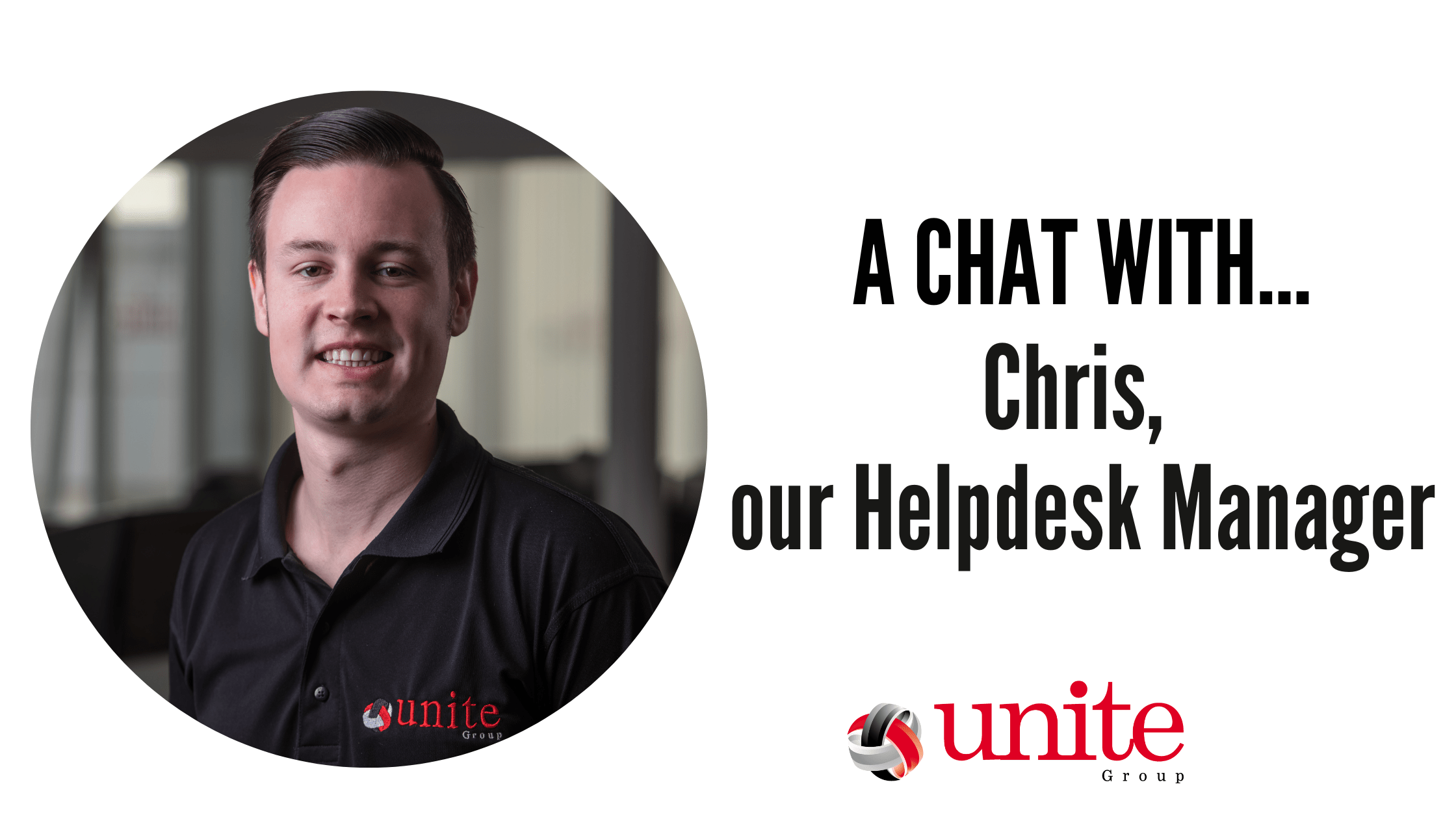
    A chat with Chris, our helpdesk manager.

    Following on in our meet the team series, we introduce you to Chris.
    Chris Nichol is our Helpdesk Manager here at The Unite Group.
    We recently had a chat with Chris to find out a bit more about him and his role…

    Growing up, what did you want to be?

    Growing up I always knew I wanted to work in IT and the plan was always to work up to be in a managerial role. I have always had the drive for progression and so because of this I knew I would always want to excel in whatever I did.

    What is your role at The Unite Group and how did you end up where you are now?

    I am the helpdesk manager at Unite.
    I started out as an apprentice 9 years ago and have worked hard to advance to the level I am at now. Having done my apprenticeship set me in good stead to be able to carry out all areas of the job. I knew the management side was a route I wanted to take and so managing the helpdesk was a natural next step for me.

    What does a typical day look like as a Helpdesk Manager?

    A typical day can change from one day to the next. It can be a lot of support tickets one day and then a lot of project and planning work the next. It’s always changing which keeps you on your toes but at the same time, the office atmosphere and the banter make it a great place to work.

    What is your most and least favourite part of the job?

    My favourite part of the job has to be the interaction with clients and other guys on our helpdesk. This was why progressing through the helpdesk route was important to me. I enjoy the challenge that comes our way and being able to talk clients through any issues they have. We are lucky that we are a close Team which makes such a difference coming to work every day.
    I would say my least favourite part is not being able to work out a solution and having to look to escalate an issue as you want to get to the bottom of everything.

    What is your greatest achievement?

    Being able to say that I have my own car, own house and that I have worked as hard as possible to be able to get to this stage is definitely one of my greatest achievements.

    What is the best piece of advice you’ve been given?

    Don’t dwell on things, if you do they will hold you back and keep you from progressing.

    But the quote I would always go back to is the following;

    “We all change if you think about it, we are all different people all through our lives. but that’s good you got to keep moving so long as you remember all the people you used to be.”

    Where do you see yourself in 10 years’ time?

    I would like to see myself progressing higher up the ladder and taking on more responsibility.

    How do you unwind outside of work?

    I play tennis for Shotley & Benfieldside, I go on the xbox to unwind with friends or sit and watch tele. The last couple of weeks I have been glued to Wimbledon. I managed to go down for four days this year including getting the experience of centre court. To be honest I do anything but go on a PC in my time out if I can help it!

    If you would like more information on any of our Managed IT services, please contact us. The Unite Group on 0191 4661050 or email info@theunitegroup.co.uk

  • A chat with Mike, our Technical Director

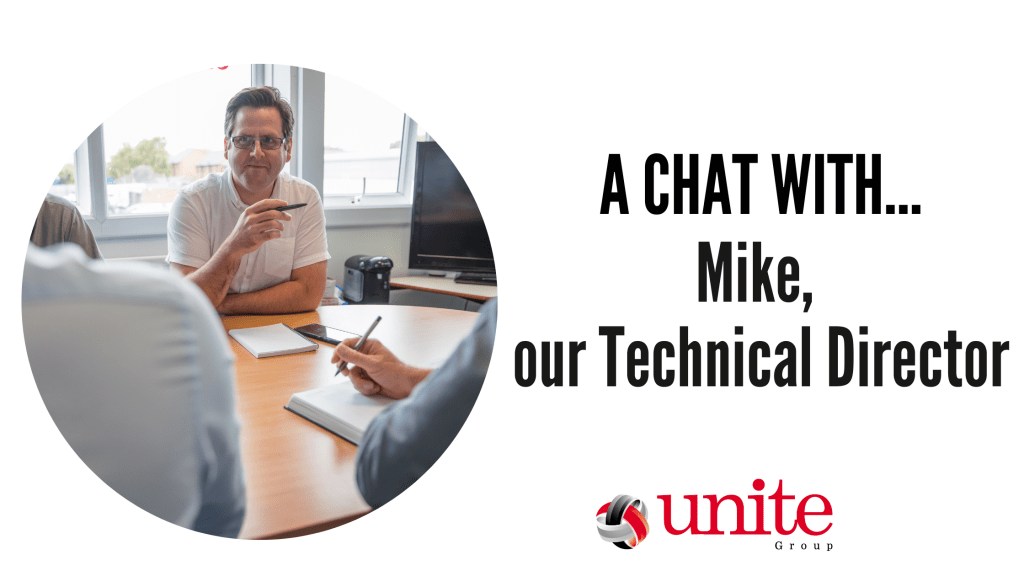
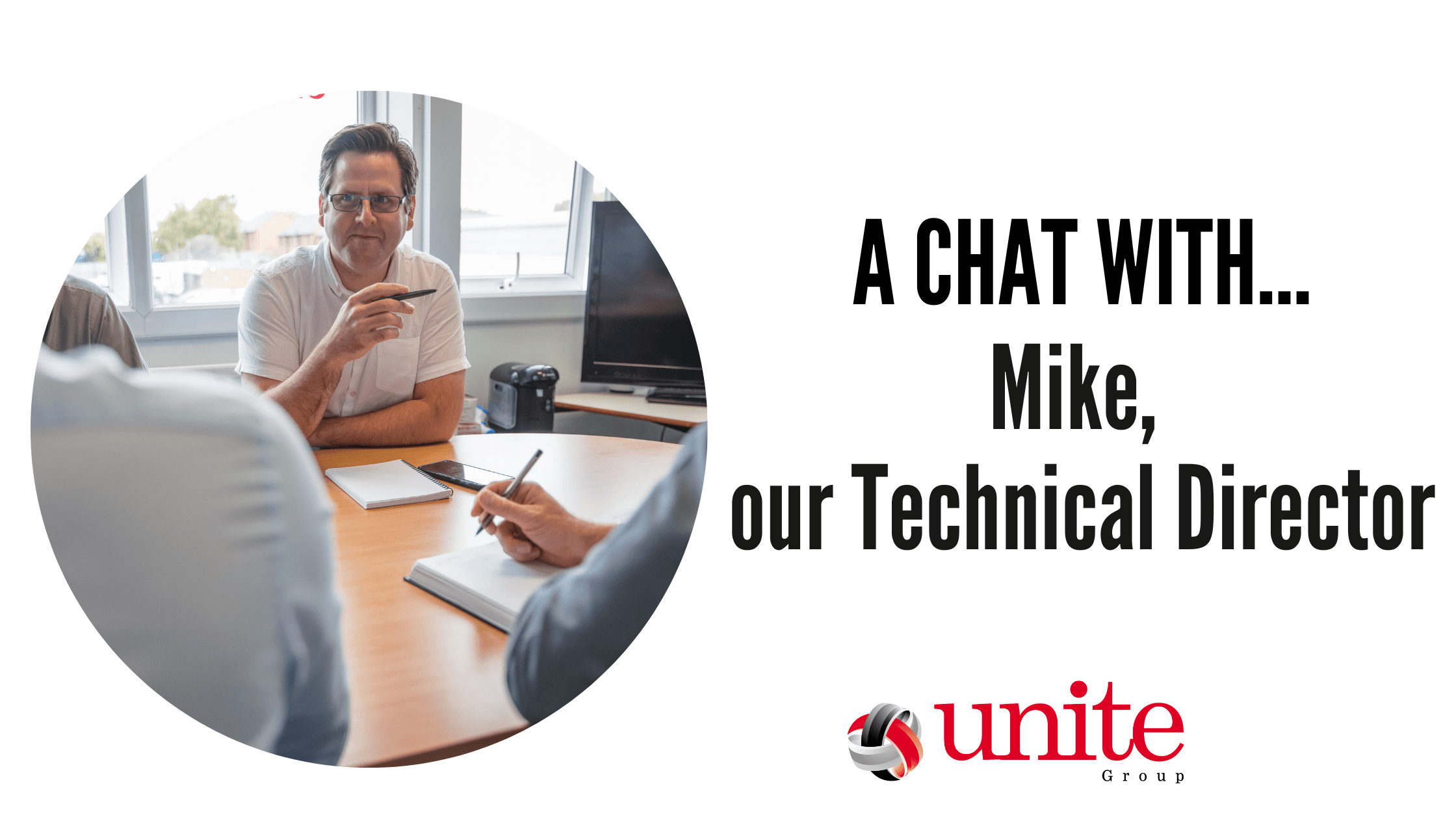
    A chat with Mike, our Technical Director

    Mike, our Technical Director

    Following on in our meet the team series, we introduce you to Mike. Mike is our Technical Director here at The Unite Group and mostly focuses on the IT side of the business.

    We recently had a chat with him to find out a bit more about him and his role…

    Growing up, what did you want to be?

    I never really knew what field I wanted to go into when I was younger. However I did always enjoy engineering and problem solving. So naturally I ended up doing tech & sciences which led me into discovering a passion for IT and business. I was told by a careers advisor at school that as I was an early riser and liked the outdoors I should be a farmer, so I’m glad I didn’t follow that advice!

    What is your role at The Unite Group and how did you end up where you are now?

    I am one of the directors within the group and oversee most technical IT aspects of the company and IT projects. I have worked in IT for 23 years. In roles ranging from IT helpdesk, support desk team leader, IT consultant and GIS analyst. After starting SMT Technologies with Dean we later merged our business with Unite Communications. This formed The Unite Group, combining the IT expertise of SMT Tech with the comms expertise of Unite landing me here amongst a great team.

    What does a typical day look like at The Unite Group?

    As we service a whole host of companies for comms, IT and social media we don’t really have a typical day in the office. I  can end up working on any project if the team escalates issues to me. This is one of the exciting parts of the job! Although to summarise a standard week I will mostly be working on planning projects and meeting with clients to discuss the IT options available to them, working with the team on any escalations and trying to fit in work on the groups IT and systems also.

    What is your most and least favourite part of the job?

    I most enjoy planning and deploying new solutions and systems to overcome issues for clients and our own business, it’s like solving a puzzle!

     As for the least favourite part I would have to say, and Lorraine would probably agree, I don’t like completing the finance paperwork we need to keep on top of so I often cause her a headache chasing me to complete or submit information she needs.

    What is your greatest achievement?

    I would have to say it would be the hard work put into our company which saw us grow from a small 2 man firm into the group we are today. It’s a great source of pride and we really have a great team throughout which delivers a great atmosphere!

    What is the best piece of advice you’ve been given?

    Simply try your best and don’t give up, something instilled firmly by my family as a youth and as a married adult and its very much the theme of my favorite poem, IF, with the line “Or watch the things you gave your life to, broken,

        And stoop and build ’em up with worn-out tools very much instilling the fact that at times you will hit hardship and see a dream dashed but if you just keep on you can make something better. I think most people can relate closely to that with all the tragedies and hardships recently.

    Where do you see yourself in 10 years’ time?

    We have some exciting plans to scale and grow the group and the offerings we deliver so I very much see myself still here, maybe with a 4 day week if I’m lucky! I don’t like having nothing to do so the hustle and bustle of the business is great.

    How do you unwind outside of work?

    I enjoy zoning out to music. I listen to anything from classical through to country and heavy rock & metal depending on my mood. My current favourite playlist is leaning very heavily to Pink Floyd and Creedence Clearwater Revival for a bit of a retro kick. I also enjoy cooking (when it’s not a rush just to get dinner out) and we as a family enjoy traveling when possible.

    To arrange a chat with Mike, or if you want to see how The Unite Group can help you with your business technology needs, contact us on 0191 466 1050.

  • Six common IT challenges for fast-growing businesses

    Six common IT challenges for fast-growing businesses

    Extended periods of rapid growth are positive for most businesses. It means that the business is acquiring new customers, which is driving increased revenue and better business outcomes. These periods are exciting and necessary for the longevity of a business, but it also creates new challenges. We often see this regarding IT and technology. In this blog we will delve into 6 common IT challenges for fast-growing businesses. In this blog, we will look at how these problems can be solved with the help of a trusted IT provider.

    Budgeting for Scaling Up

    As businesses grow, they will also need their IT systems to grow with them. This includes everything from software licenses to cloud servers. If businesses are not careful, their IT spending can get out of control. This can leave them with a large invoice, exceeding their budget and eating into their profit margin. Often, fast-growing businesses are not getting the most value from their IT spend and deployment and implementation of technology is reactive, rather than proactive.

    If a business partners with a third-party IT provider, the provider will typically be able to give a simple monthly cost per user, with everything included for the set-up. IT providers can also proactively forecast the cost of larger projects, making it easier for businesses to stick to their IT budget.

    Receiving Adequate IT Support

    As businesses grow, they have different requirements regarding IT infrastructure, as well as IT support. For businesses that already have an internal IT department, the team typically is forced to dedicate their time to research, and then setting up the new systems to support the growth. This results in less time dedicated to actioning support tickets which can decrease productivity within other departments and slow business growth.

    If businesses involve a third-party IT provider, they can either outsource the implementation of new technologies or outsource their support desk. This gives IT departments more time to do what they do best to support the continued growth of the business.

    Onboarding New Employees

    Hiring new employees on short notice is always a challenge. However, this is only made more difficult due to the current chip shortage. Hardware procurement can be a lengthy process, and even if a business already has the device, it still needs to be reimaged and set up for the employee. If onboarding is not a smooth experience it can give a poor first impression of the company.

     A trusted third-party IT provider can assist with the onboarding of new employees through the procurement and deployment of new devices. This ensures that every employee receives the right equipment and it is ready to use from day one.

    Safeguarding Against Cyberthreats

    Most cyberattacks that we hear about in the news are high profile multi-national enterprises. But we find that small businesses and fast growing businesses are just as likely to be targeted. This is due to the fact that cybercriminals view these companies as easy targets as they typically have invested less in security. If a business does get attacked, not only can it harm its reputation, but it can also lead to a large amount of downtime.

    This challenge can be solved by looking into a strong security solution. Such a solution typically includes multiple layers of defence to ensure that even if a hacker gets through one layer, there are still many more to stop them from accessing confidential data. Most security solutions also include backup and disaster recovery functionality to ensure swift recovery after an attack.

    Lacking Capital Expenditure

    In the early stages of rapid growth, businesses may not have sufficient liquid cash to invest in upgrading IT systems. This is particularly true for infrastructure such as servers, which require a significant capital investment. Thankfully, with the rise of cloud servers, businesses can move away from capital expenses and move to operational expenses. As there is no upfront investment, but rather businesses only need to pay for what they use.

    Managing Customer Relationships

    Whilst small businesses can get away with using spreadsheets, this is not feasible once a business reaches a certain size. This can be solved through building in a customer relationship management solution. This is not a quick process, businesses should invest in a CRM solution early, to prepare for growth. This is something we as a company can help support with.

    How we can help

    For any business that is currently growing, or looking to grow, you don’t want IT to be holding you back. Our role as a third-party IT provider is to ensure that your IT works as intended. If you want to find out more about how The Unite Group can help your business, contact us today.

  • The role passwords play in a world of cybercrime

    The role passwords play in a world of cybercrime

    protect your passwords against cyber crimes
    Protect your passwords against Cyber Crimes.

    For businesses, one weak password can be the cause of a major cybersecurity incident. Here at The Unite Group, we help businesses take measures to ensure they are doing everything possible to reduce the chance of falling victim to an account compromise attack. Whilst having a strong password is a good start. There are other technologies and processes that businesses can implement to reduce this risk. In this article, we will discuss some common methods of password attack. Including how to create a secure password and other ways that businesses can stay safe in a world of cybercrime.

    Common methods of password attack

    Brute Force

    A brute force attack is where a cybercriminal attempts to crack a password by submitting many passwords or passphrases with the hope that one of them will be correct. This is not a manual process. Instead hackers will use a tool that can submit millions of login attempts every second, each with a different credentials.

    Dictionary Attacks

    Dictionary attacks are a form of brute force attack whereby the cybercriminal runs through a list of common words in an attempt to find the correct password. More sophisticated dictionary attacks will also use words and phrases relevant to the target. This can include their name, pets’ names and birthdays.

    Past Data Breaches

    Many individuals will reuse passwords across multiple websites and systems. Therefore, if one of these websites has a data breach then all the users’ passwords are leaked. Cybercriminals can use these on other websites and systems.

    Phishing

    Phishing attacks are a form of social engineering where a cybercriminal imitates a trusted entity and tricks an individual into opening a fraudulent email, SMS, or instant message. This message is designed to deceive the victim. Often encouraging sharing sensitive information or clicking a link that will run malicious code. There are many forms of phishing attacks that range from untailored bulk emails to highly sophisticated spear-phishing attacks. Common credential phishing attacks include malicious emails that ask employees to reset or update their passwords.

    How to create a secure password

    An understanding of the common methods of credential attacks should guide how employees should create a secure password. In order to avoid brute force and dictionary attacks, passwords should be long and complex. This can include using numbers, symbols and uppercase letters, without using dictionary words or names.

    For example, the password ‘janedoe’ would take 2.4 seconds for a hacker to crack. If numbers, symbols and uppercase letters are added to make ‘JaneDoe295!’, this would take 31 hours to crack. However, if a credential of the same length but with random letters and characters, such as ‘f^Hl86$p-x$’ is used, it would take 9 billion years, making it immune to brute force attacks.

    In order to avoid a previous data breach being the cause of an account compromise attack, employees should not reuse passwords across multiple sites or services. However, the average organisation uses 80 SaaS applications, and it is unrealistic to expect an employee to remember 80 long and complex passwords. To solve this issue, and avoid credential attacks through phishing, we recommend businesses should also implement other technologies to increase security.

    Other ways businesses can stay safe

    To avoid phishing attacks, businesses should implement a comprehensive email security solution. Many modern email security solutions use AI to block such phishing attacks before they even land in an employee’s inbox. Some solutions also include web filtering. This will block any malicious URLs, further decreasing the chance of falling victim to an attack.

    It should also be noted that passwords should not be the only line of defence against account compromise attacks. Here at The Unte Group we also recommended implementing multifactor authentication (MFA). MFA is an authentication process where a user must provide two or more forms of identification to log in to their account. Typically, the forms of identification are two of the following: something the user knows (such as a password), something they are (such as biometrics) or something they have (such as a hardware key or trusted phone). Deploying multifactor authentication is simple and it prevents 99.9% of all account compromise attacks.

    As it is not possible to remember 80+ long, complex credentials, one solution is to make use of a password manager. A password manager can store passwords for an employee, which they can access with a single password. When using, it is essential that the master password is strong. Enabling multifactor authentication can improve security.

    All businesses should be taking password security seriously as the consequences of poor password hygiene can be severe. To find out more about password security, or which solution is right for your business, contact us today.

  • Why use a cloud-based server over on-premises servers?

    Why use a cloud-based server over on-premises servers?

    cloud based servers

    On-premises servers have long been the choice for businesses when choosing how best to implement their network and backup solution. Since cloud technology was introduced, we are seeing more businesses move their local servers into the cloud and onto cloud-based servers. There are many reasons why this is happening.

    Firstly, what is the difference between a cloud-based server and an on-premises server?

    Cloud servers are usually held in large data centres and are accessed using an internet connection. Users of a cloud-based server are effectively renting the server space, rather than owning a physical server. A locally stored server is a server which you physically buy, own and keep on-site with you.

    So why are more businesses choosing to go cloud-based over having their own server hardware on-site?

    Cost

    Cloud server infrastructure is usually paid for on a monthly basis with the amount depending on your requirements.  On-premises servers either need to be paid for upfront or financed.

    With on-premises servers, upgrading means paying more and more money for additional hardware as your needs grow. However, what happens if you wanted to downgrade if your needs were to decrease? You’d be stuck with hardware which is of no use to you. With cloud-based technology, upgrades and downgrades are handled by your cloud provider. They provide you with the additional hardware and decrease where necessary. Meaning the initial outlay of hardware costs and the ongoing maintenance and backup charges are not necessary either.  The monthly fee you pay to have a cloud-based server covers all of this.

    Running a locally stored server means 24/7 costs in electricity to your business. With cloud-based server technology, the data centre is responsible for all of these costs. You don’t have to shell out more and more money for ever-rising energy costs.

    Compliance

    Cloud infrastructure from companies like Microsoft or Amazon meets far higher standards of compliance than locally stored servers, primarily due to cost restraints.  By choosing a cloud provider such as Microsoft, you can be sure that your company data is secure. Data is held with a provider who offers verified compliance with international, regional and industry standards and regulations. Cloud infrastructure from the likes of Microsoft is designed to ensure that your company data is backed up regularly and easily restorable in case of issues, in a compliant manner. In a locally stored server, it would be your company’s responsibility to ensure that all the relevant industry standards and regulations were being met. Ensuring this of course can become expensive to initiate and maintain.

    Cloud-based servers are easier to access

    With on-site server technology, it is often the case that your employees must either be connected to your local network on-site or have to be connected to your server using a VPN. Neither is ideal if you want your employees to be able to work from anywhere at any time.  Whilst connecting via a VPN may seem like the obvious solution, it isn’t always ideal. VPNs can cause connections to slow. They can make working from anywhere other than your physical location frustrating for your employees. This can certainly affect productivity in the long run.

    With cloud-based server technology, your employees can adopt a true hybrid working model. Working from anywhere, at any time, wherever they have an internet connection. Cloud-based infrastructure is designed so that no matter whether your employee is sitting at an office desk at your location or halfway across the world at a conference, their experience is the same. With no connection slowing or loss of access to important files, they may need. Users are not restricted to accessing via a laptop or PC, Cloud services (like the offering from Microsoft) also include apps accessible on mobile and tablet devices.

    Maintenance and Troubleshooting.

    When a local server has an issue or goes down, it is likely that there will be a period of time in which your employees are unable to access their files. And, in some cases, their systems until the issues are fixed. With a physical locally stored server, this means finding an engineer with specialist knowledge of server technology to visit, diagnose, fix and restore that server. This can mean that the downtime for your business can run into hours, if not days.

    With cloud-based server technology, data is distributed and stored in multiple locations. This allows maintenance to happen on these servers without you even realising it. The majority of issues with cloud-based technology can be resolved by contacting your provider or IT team. Issues can be managed and resolved remotely rather than through a site visit with minimal (if any) downtime.

    If you would like to find out more about our Microsoft Cloud-based Infrastructures and how they can benefit your business. Give us a call on 0191 466 1050 or email us info@theunitegroup.co.uk.

  • Tackling Hybrid-Working with Microsoft 365

    Tackling Hybrid-Working with Microsoft 365

    Microsoft 365

    Microsoft 365 has a range of applications to help you work collaboratively and flexibly.

    The COVID-19 pandemic has changed the way we work completely. In two years, we have adapted from office work, to working from home and now to hybrid working.

    Working patterns are unique to each individual workplace. It is totally dependent on what compliments the staff and the business’ needs.

    Here at The Unite Group, we opt for office-based working with the ability to work from home where necessary.

    We have the flexibility to do this due to Microsoft 365. As we are Microsoft Partners, we offer these applications as part of our full IT Business Solution.

    Hybrid Working with Teams

    Microsoft applications include Teams, SharePoint, Outlook and so much more!

    Microsoft Teams has become the new norm. Important business meeting with international clients? Schedule a call on teams!

    This reduces travel expenses for your business and promotes productivity from any location.

    If your office doesn’t have set WFH (work from home) days, your staff may struggle to find a time to arrange meetings.

    By using your shared Outlook Calendar, you can block out time for meetings, staff can RSVP to meetings and note whether you are joining in person or virtually. Staff can also mark in their calendars whether they are working from home or in the office.

    Microsoft Teams has evolved to make it easier to establish a personal presence when joining a meeting online.

    The blur feature allows you to blur the background behind you, hiding the washing that you’ve forgot to put away or the table you’ve not tidied yet – keeping things professional!

    Collaborative Working

    There is also a layout for Teams called front row. This layout is designed for hybrid meetings, making the video gallery at eye level, so attendees can see remote colleagues in a more natural interaction.

    Last year Microsoft 365 announced cameo, the PowerPoint experience which integrates your Teams Camera into the presentation. You are able to customise where you want to appear on the slides. It also offers layout recommendations using Designer in PowerPoint (Microsoft, 2022).

    With the help of recording studio, you can record your cameo presentations to be shown at a later date. Which is great for staff sicknesses and holidays.

    Microsoft 365 also offers the collaboration of Microsoft Whiteboard and Teams. This allows work teams to effectively brainstorm and learn from any location.

    Whiteboard also comes with 50 new templates and existing boards can be opened with external colleagues too.

    Whilst working patterns differ, the importance of collaboration stays the same. Microsoft 365 continues to develop to make hybrid working easier for all.

    If you are interested in switching to Microsoft 365, The Unite Group can help you migrate your business with ease.

    We can help you pick the subscription that suits your business’ needs. Enquire today by emailing us on info@theunitegroup.co.uk, or better yet call us on 0191 466 1050.

  • How We Solve Your Business’ IT Issues

    How We Solve Your Business’ IT Issues

    At The Unite group we pride ourselves on being able to identify and solve your business’ IT issues. This is because we know that your IT systems need to be reliable, meet your business needs and be cost effective! Here is how we solve your business’ IT issues.

    Monitoring Systems

    We use clever monitoring software meaning in most cases we can be aware of IT issues before you even realise. Our computers work around the clock, scanning your systems to look for and iron out any potential snags.

    We will start work to fix these and keep you operational in the background meaning we are always one step ahead! So, while you are working, or enjoying your well-earned time off, we are busy in the background making sure your kit runs as glitch-free as possible. This means most IT issues are resolved without you even having to call us.

    However, if you do need help it is as easy as giving us a call and raising a ticket. Our Help Desk Engineers are here to help remotely and see it through to completion.

    Trained Engineers

    Another way in which we solve your business’ IT issues is with our team of experienced engineers! Our engineers are both honest and reliable and are on hand to provide you the highest standard of service. This is because we know how important it is for you as business owners to feel secure in the knowledge that your IT is kept in safe hands.

    Our engineers undergo continuous professional development to build knowledge on latest technologies. Better yet are just a phone call away when you need them! Available from 8:30am until 5pm our engineers can support you over the phone, remotely via your own PC or can visit on-site. This means that when issues with your IT system do arise. Like those annoying problems that cannot be troubleshooted over the phone, our engineers can remotely access your IT systems. This allows them to fix IT issues with little down time when you need it most!

    Even better, we offer 24/7 support with site visits included in your monthly cost. This means you can be certain that one of our expert engineers will jump in their van and head to your site to solve any issues.

    Proactive Management

    As part of our IT Management and Support services we also work to prevent IT issues from happening, not just detect them. This means we maintain and monitor your IT systems to prevent issues. This involves regularly updating applications in the background and patching hardware and software to fix vulnerabilities.

    We also make sure to have out of hours planned maintenance to keep your devices up to date and protected. As part of our strategy and planning meetings we will also use our cyber security expertise to safeguard your business. Within these meetings we will discuss technology recommendations that can help grow and benefit your businesses and adapt your services accordingly.

    If you are considering outsourcing your Managed IT Services, you can receive full-service IT support from The Unite Group. Enquire today on 0191 466 1050 or email us on info@theunitegroup.co.uk.

    For more expert advice explore our LinkedIn, Facebook, and Instagram!

  • What Makes Us a Leading Provider of IT Support?

    What Makes Us a Leading Provider of IT Support?

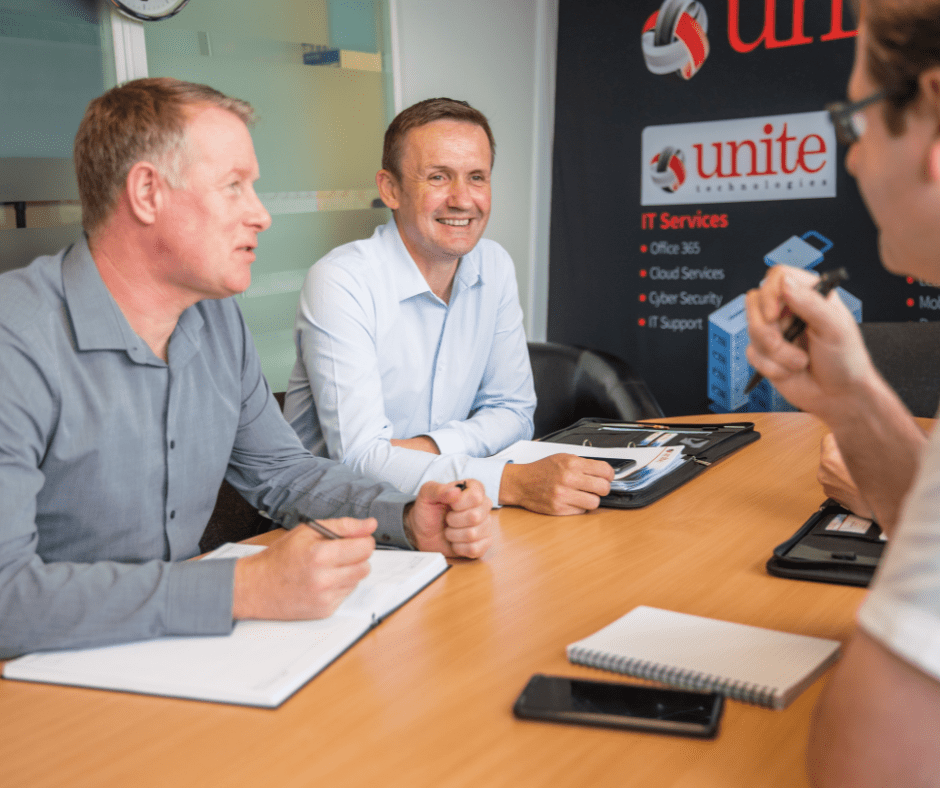
    A Unite Group Directors Meeting.

    Are you a business looking to outsource your IT needs to a third-party company? Here is why The Unite Group are a leading provider of Managed IT Support!

    We are Microsoft Partners

    The Unite Group are a Microsoft Partner, demonstrating our ability to meet customers evolving needs in today’s dynamic cloud marketplace. We can support your business to move to Microsoft 365. Our team of experts will be there to support your ongoing needs and help ensure you get the most out of the Microsoft 365 suite of products!

    Even better, due to us being Microsoft Partners you can be sure that your Microsoft licences are being managed by fully qualified engineers, giving us the edge in your IT support. We also understand that every business has different needs. That’s why we make sure you choose the appropriate subscription products to suit your business requirements. 

    From Migration Technical Project Planning to Configuration and Customisation, our team are here to provide unrivalled Microsoft 365 support. Additionally, we have access to dedicated partner support, providing a priority support service when we need Microsoft’s assistance to resolve any potential technical issues promptly. Making us a leading provider of IT Support!

    Essential Business Continuity

    We know that data backup is a core foundation of your IT systems resilience. Could your business cope with being offline for a day or more when data and systems are recovered from backup only? If the answer is no, then you need a business IT continuity solution.

    Our business continuity options can replicate all your servers and important data, in a secure cloud environment and made available to you within an hour. Even in the event of an outage! Our team here at The Unite Group would fully manage this process and are on hand 24/7 to get you back online!

    Unrivalled Support

    What else makes us a leading provider of IT Support? Our expert engineers! They are on hand to answer any of you or your staff’s queries between the hours on 8:30am until 5:00pm. We will support you via phone call or on site where required. One useful aspect of our support is that our Help Desk Engineers can remotely access your IT. This means they can troubleshoot any issues that may arise with very little downtime for your business.

    We will also never tell you a piece of equipment is not covered. If it belongs to a supported person our dedicated helpdesk will look to get you back online, it’s as simple as that!

    This also means that when working with us there are no hidden costs or surprises! If the person is covered then we will get them back online. Even if that’s means coming out to site to investigate issues we are unable fix remotely. Furthermore, we will also never charge you extra for a working on a phone, tablet, or laptop when away from the office. We will support you and make sure we are there to help quickly!

    Cost Effective

    Not only do we provide an excellent service, but we also split costs into monthly payments so that your IT services are managed at an affordable cost. No more getting charged for things you have never heard of. We will give you one price per head, simple! This fair system means you can concentrate on the million other jobs you’ve got to do, safe in the knowledge your tech and costs are under your control.

    If you are considering placing your outsourced IT support services with The Unite Group or would like to know more, book your free consultation today. You can give us a call on 0191 466 1050 or emailing us on info@theunitegroup.co.uk. Check out our social media for more updates and tips!

  • What are the benefits of using an IT Services Provider?

    What are the benefits of using an IT Services Provider?

    Thinking of outsourcing your IT services to an IT Services Provider? Here are the benefits to your business and staff!

    Save Time & Money

    Using an IT Services Provider means saving time. Time that you might have spent scouring the internet for the right computer or laptop is now out of your hands and into ours. We will assess your current hardware and procure new hardware on your behalf. Even better, as we are not tied to any one supplier we will find the best deal, saving you money too!

    Save money with The Unite Group where transparency is key when it comes to pricing. We have no hidden fees with our services, meaning you won’t have any surprises! Your Managed IT Support is covered through a monthly cost and is charged per user rather than device. As your IT Services Provider we can reduce your in-house overheads and increase your IT efficiency at an affordable, monthly cost.

    Increase Efficiency

    By outsourcing to an IT Services Provider, you can look to increase the efficiency of your business and staff. Less time will be spent trying to fix IT issues on your own. Instead support is readily available at just a phone call away. Furthermore, migrating to Microsoft 365 will give you access to a range of applications.

    From Microsoft Teams to SharePoint, you and your staff will benefit from being able to work flexibly and collaboratively from any location. From Migration Technical Project Planning to Configuration and Customisation, our team are here to provide unrivalled Microsoft 365 support.

    Dedicated Support & Advice

    It’s time to stop worrying about how to fix an issue yourself or seeking IT advice on an outdated internet forum. Instead, when having outsourced to an IT Services Provider you can relax in the knowledge that expert support and advice is just a phone call away. Even better, our engineers undergo continuous professional development to ensure they are always up to date with the latest technology.

    Specifically, with The Unite Group our Engineers are available from 8:30am until 5:00pm to provide IT support either over the phone or on-site. Our Help Desk Engineers can remotely access your IT and troubleshoot any issues that may arise with little down time. Furthermore, we also offer out-of-hours support when necessary, so all your bases are covered!

    Managed Backup

    Did you know that managed backups are the only product that can stand in between your company and complete loss of data? Do you now How would your business cope if your system went down and was unrecoverable? Well worry not as The Unite Group can fully manage your backups to ensure your data is safe and secure. These are monitored meaning we can be sure your backups are always successful and up to date!

    Furthermore, as your IT Services Provider our business continuity options can replicate all your servers and important data. This happens in a secure cloud environment and is made available to you within an hour!

    Choosing a reliable and efficient IT provider is vital for your business. And the key to outsourcing successfully starts with the right partnership. So, if you are considering placing your outsourced IT support services with The Unite Group or would like to know more, book your free consultation today. You can give us a call on 0191 466 1050 or emailing us on info@theunitegroup.co.uk.