Category: News & Team

  • Phishing Attacks in 2026: What UK Businesses Still Get Wrong

    Phishing Attacks in 2026: What UK Businesses Still Get Wrong

    Phishing attacks remain the most common cause of cyber breaches in the UK. The government’s Cyber Security Breaches Survey found that 85% of businesses that experienced a breach identified phishing as the attack method. That figure has barely shifted in three years. What has changed is how the attacks look, how they arrive, and why email filters alone no longer catch them.

    For SMEs, the risk is straightforward. Phishing works because it targets people, not systems. And unless your team knows what to look for, a single click can give an attacker access to your email accounts, customer data or financial systems.

    Why Phishing Has Become Harder to Spot

    A few years ago, most phishing emails were easy to identify. Poor spelling, generic greetings, suspicious sender addresses. That is no longer the case.

    Attackers now use AI tools to generate phishing emails that match the tone, formatting and language of legitimate business communication. They research targets using LinkedIn, company websites and public data to craft messages that feel personal and relevant. A finance team member might receive what looks like a genuine invoice from a known supplier. A director might get a convincing request from what appears to be their bank.

    Beyond email, phishing has expanded into other channels. Voice phishing (vishing) uses phone calls, often spoofing real numbers, to pressure staff into sharing credentials or making payments. QR code phishing (quishing) embeds malicious links in printed materials or PDF attachments, bypassing email filtering entirely. SMS phishing (smishing) targets mobile devices where people tend to be less cautious.

    The Mistakes Businesses Keep Making

    Relying entirely on email filters. Filters catch a lot, but they are not infallible. AI-generated phishing emails are specifically designed to pass through automated detection. Filters should be a layer of defence, not the only one.

    Running training once a year. An annual awareness session does not change behaviour. Monthly, bite-sized training with simulated phishing tests is what actually builds recognition skills over time. Staff need to practise identifying threats in realistic conditions, not just sit through a slide deck.

    No clear process for reporting. If someone suspects a phishing email, do they know what to do? Many businesses have no defined process, and staff worry about looking foolish for flagging something that might be legitimate. A simple, blame-free reporting process catches threats faster and encourages vigilance.

    Assuming small businesses are not targeted. Attackers increasingly target SMEs because they tend to have weaker defences and less formal processes. Automated phishing campaigns do not discriminate by company size. If your email addresses are publicly listed, you are a target.

    What Actually Reduces Risk

    Effective phishing defence combines technical controls with regular staff training.

    On the technical side, ensure your email platform has modern anti-phishing protections enabled. If you use Microsoft 365, check that Safe Links and Safe Attachments are turned on. Make sure multi-factor authentication is active on every account, so that even if credentials are stolen, attackers cannot log in without a second factor.

    On the people side, invest in ongoing cyber security training that includes regular phishing simulations. This does not need to be time-consuming or expensive. Managed training platforms run automatically, track completion, and provide targeted follow-up for anyone who falls for a test. The data from simulations shows you exactly where your team’s weaknesses are.

    Create a clear internal process: if you receive a suspicious email, forward it to a designated address or flag it in your email client. Do not click, do not reply, do not forward it to colleagues to ask ‘does this look dodgy to you?’

    What to Do If Someone Clicks

    If a staff member clicks a phishing link or enters credentials on a suspicious page, act quickly. Change the affected passwords immediately. Check whether the compromised account has been used to send further phishing emails internally or to contacts. Review recent sign-in activity for anything unusual.

    If you work with a managed IT provider, report it to them straight away. Providers with proactive monitoring tools can isolate affected accounts and check for signs of deeper compromise before it spreads.

    The speed of response matters more than blame. Businesses that have a tested incident response process recover faster and limit damage. Businesses that do not often discover the breach weeks later, after significant harm has already been done.

    Phishing Prevention Starts with People

    Technical tools help, but phishing exploits human judgement. The businesses that handle it best are the ones where staff feel confident identifying threats and comfortable reporting them.

    If your team has not had structured phishing awareness training recently, or if you are unsure how your current defences measure up, talk to The Unite Group about managed security awareness training. We run phishing simulations and ongoing training programmes that fit around your team’s working day and give you clear data on where to focus.
  • From Experimental to Essential: How UK SMEs Are Embracing AI in 2026

    From Experimental to Essential: How UK SMEs Are Embracing AI in 2026

    AI for SMEs has shifted from ‘something to try when we have time’ to a practical way to get more done with the same headcount. For UK SMEs, AI is now less about experiments and more about quietly handling admin, content and routine decision-making in the background. The real question is no longer whether to use AI, but how to use it in a way that fits your business, your data and your people.

    AI has moved from hype to everyday tool

    A few years ago, AI lived in pilot projects and side experiments. Someone in marketing tried a copy tool, someone in operations played with a bot, and everything stayed disconnected.

    By 2026, AI is becoming part of the normal toolkit for many SMEs. Staff are increasingly asking whether AI can help with a task in the same way they might ask whether a template already exists. The difference now is accessibility, you do not need a large IT project for basic productivity gains.

    That said, there is still a big gap between interest and results. The businesses that see consistent value tend to treat AI as a workflow improvement, not a novelty.

    Why AI has become more ‘essential’ for SMEs

    For most small and medium businesses, the pressure points are familiar: too many tasks, not enough people, and constant cost pressure. AI helps most when it does the unglamorous work well, such as:

    • taking on repetitive, rules-based tasks so people focus on judgement and relationships
    • speeding up document, email and content work that used to take much longer
    • helping teams find information faster and work more consistently

    The key shift is mindset. AI stops being a side project and becomes part of how you manage capacity, design roles, and decide where humans add the most value.

    How SMEs are actually using AI in 2026

    The most useful AI use in SMEs is usually practical and contained. A typical pattern looks like this.

    1) Admin and operations

    AI tools often start by supporting routine admin: drafting and polishing emails, summarising meeting notes, and producing first drafts of standard documents and reports. For small teams, even modest time saved here can create breathing room.

    If you are already on Microsoft 365, this is where Copilot-style features tend to land first, because they sit inside tools your team already uses. That is also why getting your Microsoft 365 environment configured properly matters before you encourage wider adoption.

    2) Customer communication

    Customer-facing teams use AI to turn rough notes into clearer updates, propose responses to common support queries, and help rewrite messages so they are easier to understand. The strongest results come when AI drafts and humans decide, staff stay in control of tone, judgement, and relationship cues.

    3) Marketing and content

    Marketing teams often adopt early: content outlines, repurposing talks into posts, and generating headline variations. Guardrails matter here. Without a clear voice and review process, AI-generated content becomes generic fast. With good briefs and human editing, it becomes a fast way to explore more ideas without increasing budget.

    4) Internal knowledge and support

    Some SMEs are starting to build internal ‘copilots’ on top of policy documents, procedures and handbooks. The goal is simple: reduce time spent hunting through folders, and reduce repeat questions to managers.

    This works best when your information is organised and access permissions make sense. If your SharePoint and file permissions are messy, AI can amplify that mess by making it easier to surface the wrong thing quickly.

    The new risks: skills, shadow AI and trust

    As AI becomes normal, the risks shift too. Most fall into three buckets.

    Skills and confidence

    If leaders and managers are not confident, AI adoption can swing between two extremes: blocking it entirely, or letting people use whatever they like without guidance. A more useful approach is to treat AI skills as part of normal digital literacy. Short training on real tasks usually beats long theory sessions.

    Shadow AI and data sprawl

    If you do not provide approved tools, employees will still experiment. That can create ‘shadow AI’, where sensitive information gets pasted into consumer tools without oversight. A practical response is to approve a small set of tools, set clear rules on what must never be shared, and provide safer organisation-managed options where possible.

    This is where baseline security and access controls are non-negotiable, especially MFA. If you need a simple internal explainer for staff, Unite’s guide on multi-factor authentication is a useful starting point.

    Quality and trust

    AI can sound confident and still be wrong. The simplest protection is cultural: treat AI like a helpful junior colleague. It can draft, summarise and suggest, but a human always reviews and signs off, especially for customer-facing work and anything financial, legal, or contractual.

    Turning AI from experiments into a practical plan

    If AI is going to be useful rather than noisy, it needs a basic plan. For a typical SME, that plan can be lightweight.

    1) Map where AI can genuinely help

    Ask each team:

    • which tasks feel repetitive or admin-heavy
    • where backlogs and delays are happening
    • where consistency is hard to maintain

    This usually reveals a handful of high-value use cases in operations, customer service, and marketing.

    2) Choose two or three priority workflows

    Rather than trying to ‘do AI everywhere’, pick a small set of workflows and define what good looks like. For example:

    • email and document drafting for client-facing roles
    • meeting notes and action capture for managers
    • internal knowledge search across policies and procedures

    3) Set simple guardrails

    A one-page policy can go a long way. Cover: approved tools, what data is off-limits, who reviews what, and how staff flag concerns. Keep it practical, so people actually use it.

    If you are already working towards more formal assurance, it also helps to align AI use with your wider security basics and governance. For some organisations, working towards Cyber Essentials is a useful way to tighten fundamentals at the same time.

    4) Support your team, not just your tools

    Tools alone rarely change much. The SMEs that get the most value from AI tend to run short demos on real tasks, encourage staff to share practical wins, and make it normal to say ‘I tried this and it did not work’. That is how you move from curiosity to reliable habits.

    A better way to think about AI in 2026

    A realistic aim is to make AI boring. Not flashy, not chaotic, not a separate ‘AI project’, just a small, stable part of how work gets done.

    When you treat AI like routine workflow improvement, the priorities become clearer: pick the right tools, sort your information, tighten access, and train people to use it responsibly. That is how you get the upside without the clutter.

    Want to make AI useful without adding risk or confusion? Start with the foundations: your Microsoft 365 setup, permissions, identity controls, and a clear ‘house view’ on how staff should use AI day-to-day. That is the difference between scattered experiments and steady, repeatable gains.

  • Automatic Replies: The Simple Tech Tweak Your Business Can’t Afford to Ignore

    Automatic Replies: The Simple Tech Tweak Your Business Can’t Afford to Ignore

    A the unite group employee working on computer text reads: Automatic Replies: The Simple Tech Tweak Your Business Can’t Afford to Ignore

    Why Automatic Replies Matter More Than Ever

    Communication is king. Whether it’s a customer waiting on a response or a colleague needing support, the expectation for quick replies has never been higher. But what happens when your team is out of office, on annual leave, or attending a training day?

    That’s where automatic replies come in.

    Automatic replies are not just polite acknowledgements. Instead, they are vital tools that manage expectations, reassure contacts that they’ve been heard and direct them to the appropriate next steps. Whether you’re unavailable for an hour or an entire week, having a professional, informative auto-response in place can preserve customer trust and ensure that business continues smoothly.

    At The Unite Group, we understand how even the smallest tech tweaks can make a huge impact. And yes, that includes helping you get automatic replies set up the right way, especially if you’re unsure how to do it yourself.

    What Are Automatic Replies?

    Automatic replies (also known as auto-responders or out-of-office messages) are pre-written emails or notifications that are sent automatically in response to incoming messages. They are typically used in:

    • Email platforms (like Outlook, Gmail)
    • Helpdesk systems
    • Contact forms on websites
    • CRM platforms

    Their primary function is to let senders know you’re not available, but they can also direct users to alternative contacts, resources, or emergency phone lines. Therefore, this ensures no one is left in the dark.

    Why They’re Crucial for Business Operations

    You might think automatic replies are just nice-to-haves, but for many businesses, they’re an essential part of customer service and internal operations. Here’s why:

    1. Manage Expectations

    By immediately confirming receipt of an enquiry, you prevent frustration or confusion on the sender’s end.

    2. Enhance Professionalism

    A well-written auto-response shows your business is organised, thoughtful and prepared. Even when key personnel are away.

    3. Support Lead Conversion

    For sales enquiries, an automatic reply can include links to book a call, browse services, or speak to an alternative contact. Keeping your lead warm while you’re away.

    4. Boost Internal Efficiency

    Automatic replies can be used internally to update colleagues on your availability, redirect urgent queries, or keep projects on track.

    Common Issues Businesses Face Setting These Up

    Despite their importance, many SMEs struggle to implement or manage automatic replies properly. These challenges include:

    • Not knowing where or how to activate auto-replies within their email platform
    • Forgetting to turn them on (or off!)
    • Not customising replies for specific teams or departments
    • Using outdated information in replies that misdirect clients

    But, that’s where Unite’s tech team comes in.

    How The Unite Group Can Help

    At The Unite Group, we support businesses across the UK with everything from IT infrastructure to cyber security and that includes setting up and managing automatic replies.

    Whether you’re using Microsoft 365, Google Workspace, or a bespoke platform, our friendly engineers can:

    • Show you how to create professional auto-response templates
    • Set up system-wide automatic replies for different departments or inboxes
    • Ensure replies are turned on at the right times (and off when no longer needed)
    • Link your auto-replies with helpdesk tools, calendars, and CRM systems
    • Train your team on how to make changes confidently in the future

    We believe in keeping technology simple and stress-free, especially for businesses without internal IT teams.

    Automatic Replies Beyond Email

    It’s not just about email. Unite can help you configure automatic replies across multiple platforms:

    • Helpdesk Systems – Let clients know their ticket has been received and is being reviewed.
    • Social Media DMs – Set up messenger auto-replies that include FAQs or office hours.
    • Web Contact Forms – Send instant confirmations and next steps when users submit a query.

    We’ll make sure your business always looks switched on, even when you’re not.

    Ready to Improve Your Customer Response Time?

    If you’ve ever thought, “I should really set up an out-of-office reply,” but weren’t sure where to start, let’s get it sorted.

    The Unite Group is here to make managing your tech simple, effective, and reliable. Our expert team can have you up and running with automatic replies in no time, giving you peace of mind and helping your business stay professional and proactive.

    Contact us today to find out how we can implement automatic replies for your business and take one more worry off your plate.

  • Supporting Norah’s North Pole 2024: Spreading the Magic of Christmas

    Supporting Norah’s North Pole 2024: Spreading the Magic of Christmas

    hundreds of toys around a christmas tree. text reads Supporting Norah’s North Pole 2024: Spreading the Magic of Christmas

    At The Unite Group, supporting meaningful causes is at the heart of what we do, and this Christmas was no exception. For the fourth year running, we proudly supported Norah’s North Pole, an incredible local charity dedicated to ensuring children across the North East experience the magic of Christmas. This year, our involvement included donating and transporting hundreds of gifts, as well as volunteering to help pack Santa sacks. The generosity we witnessed from our local community was truly inspiring, and being part of this initiative remains a humbling and heartwarming experience for our entire team.

    A Wave of Generosity in the North East

    As an official drop-off point for Norah’s North Pole, we had the privilege of seeing firsthand the kindness and generosity of our community. Local businesses, families, and individuals came together, dropping off hundreds of gifts at our offices to support this incredible cause. From toys and games to warm clothing and books, every donation represented a thoughtful gesture to bring joy to a child who might otherwise wake up to nothing on Christmas morning.

    Volunteering at the North Pole

    This year, members of our team also volunteered at Norah’s North Pole to help pack the Santa sacks. Stepping into the “North Pole” was an experience like no other—rows of gifts waiting to be packed into magical sacks ready to deliver smiles to children across the region.

    The process was both heartwarming and heartbreaking. While it was uplifting to know these gifts would make a difference, hearing the stories behind the families who would receive them served as a poignant reminder of the struggles many face during the festive season.

    Four Years of Partnership and Counting

    This year marked our fourth year supporting Norah’s North Pole, and each year, we are reminded of why this cause is so close to our hearts. The family behind Norah’s North Pole pour their love and dedication into ensuring no child is left out during the festive season. Their efforts, from organising logistics to rallying community support, are nothing short of inspiring.

    It is an honour to be an official drop-off point and to play a small role in helping them achieve their mission. Watching this initiative grow year after year fills us with pride, and we look forward to continuing our partnership for many more years to come.

    A Message of Gratitude and Hope

    As we reflect on this year’s campaign, we are incredibly grateful for everyone who contributed, whether by donating gifts or spreading the word. Your generosity has made a tangible difference to countless families in the North East, ensuring that children can experience the magic of Christmas despite difficult circumstances.

    To the family that runs Norah’s North Pole: thank you for your tireless work, your compassion, and your unwavering commitment to this cause. You have created something truly magical!

    Looking Ahead to Next Year

    As the festive season comes to a close, we are already looking ahead to continuing our support for Norah’s North Pole next Christmas. We encourage everyone in our community to join us next year in supporting this wonderful cause. Together, we can ensure that every child in the North East wakes up to the joy and magic of Christmas morning.

    From all of us at The Unite Group, thank you for helping us make a difference. Here’s to another year of spreading kindness, joy, and festive cheer with Norah’s North Pole!

  • November 2024 – Newsletter

    November 2024 – Newsletter

    We’ve had another busy month here at The Unite Group,

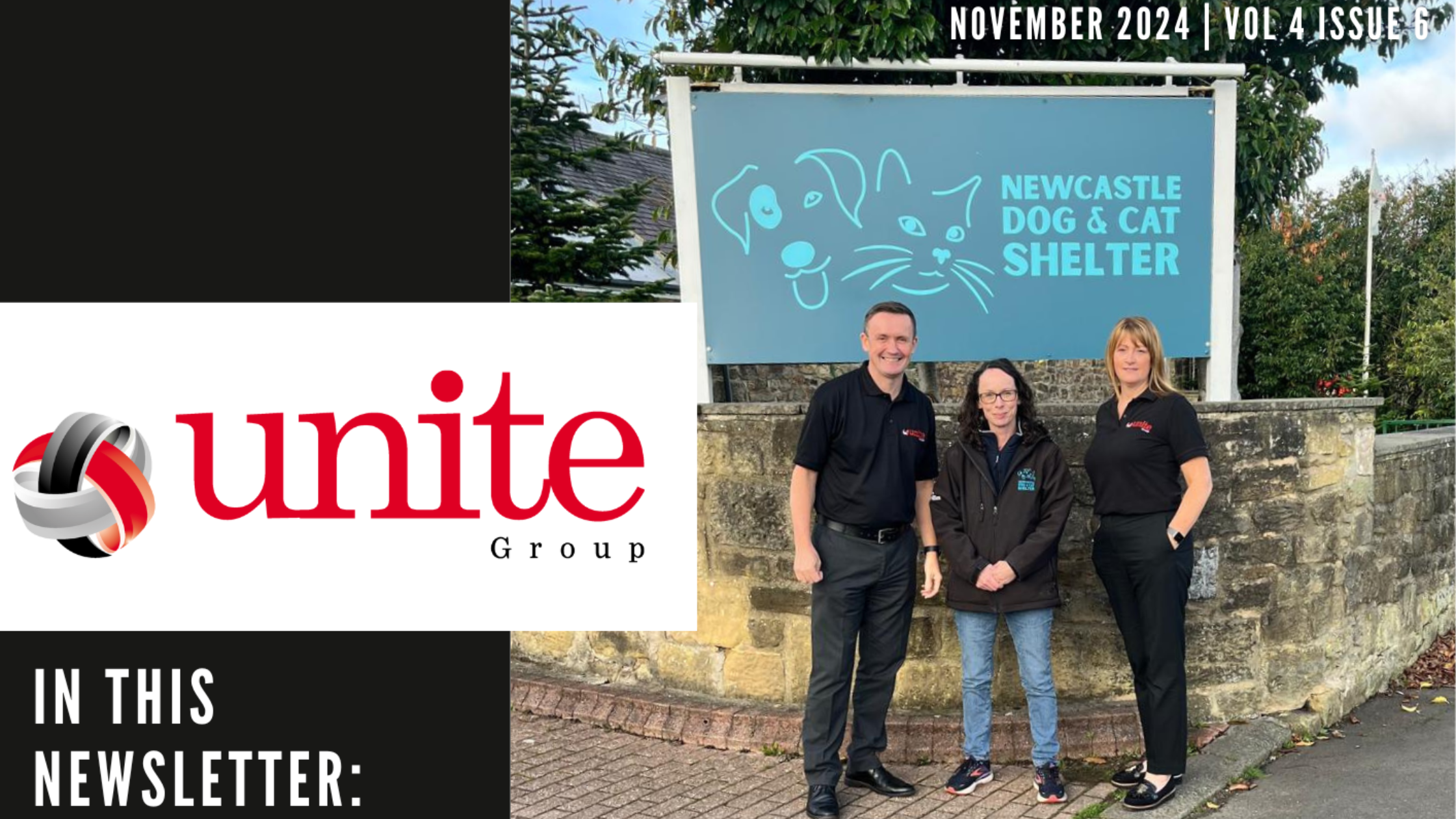
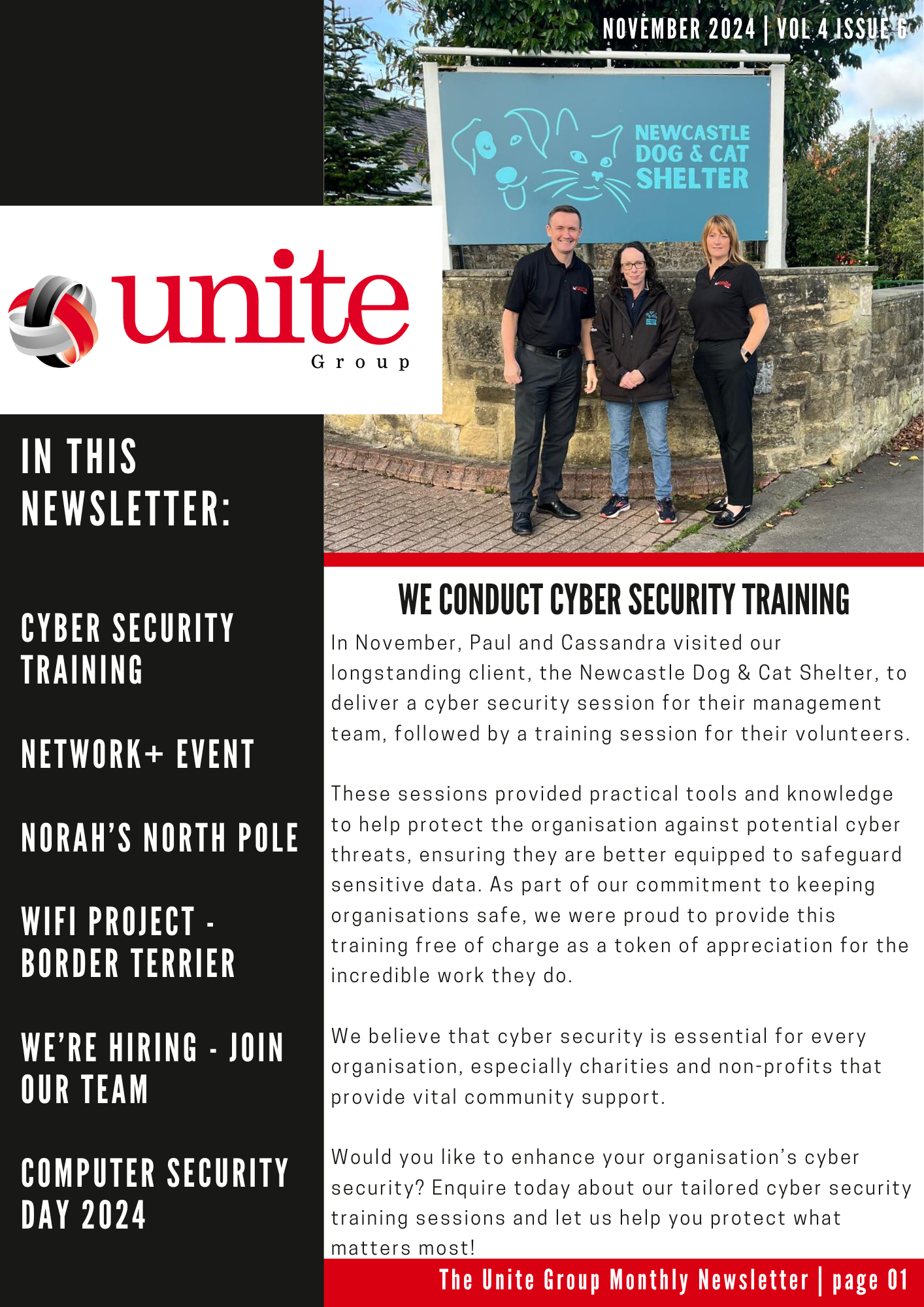
    #In this issue: We conduct Cyber Security training at the Newcastle Dog & Cat Shelter, we look forward to the final Network+ event of the year, we are an official drop-off point for Norah’s North Pole, we recently completed a WiFi project with Border Terrier, we’re hiring – join our team & we share 5 Essential Tips to Protect Your Business this Computer Security Day!

    To check out The Unite Group’s November Newsletter, click on the image below!

    Want to join our mailing list? Drop us an email at info@theunitegroup.co.uk, or give our friendly team a call at 0191 466 1050.

  • October 2024 – Newsletter

    October 2024 – Newsletter

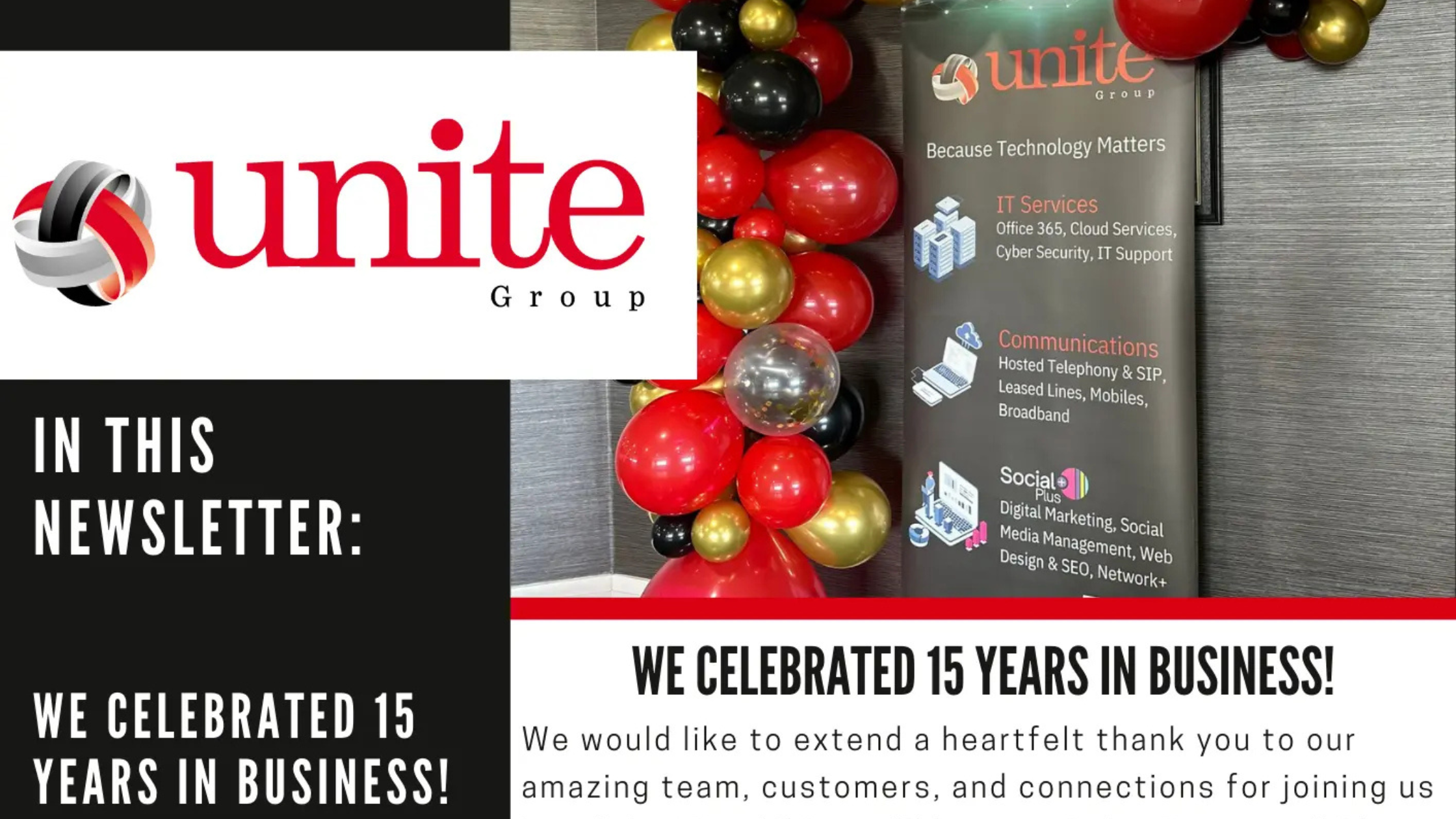
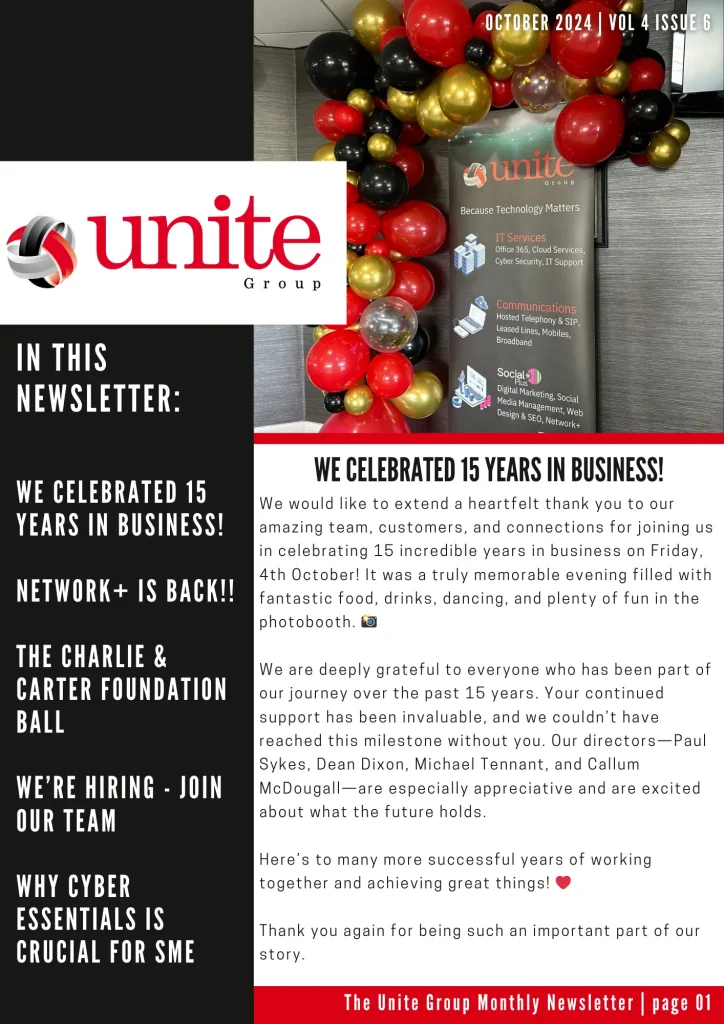
    October was a month to remember here at The Unite Group! We’re excited to share our latest newsletter to keep you informed about all the happenings this month.

    In this issue: We celebrated 15 years in business, Network+ is back with their next event, we attended The Charlie & Carter Foundation Ball, we’re hiring join our team & we explore why Cyber Essentials is crucial for SMEs.

    To check out The Unite Group’s October Newsletter, click on the image below!

    Want to join our mailing list? Drop us an email at info@theunitegroup.co.uk, or give our friendly team a call at 0191 466 1050.

  • July 2024 – Newsletter

    July 2024 – Newsletter

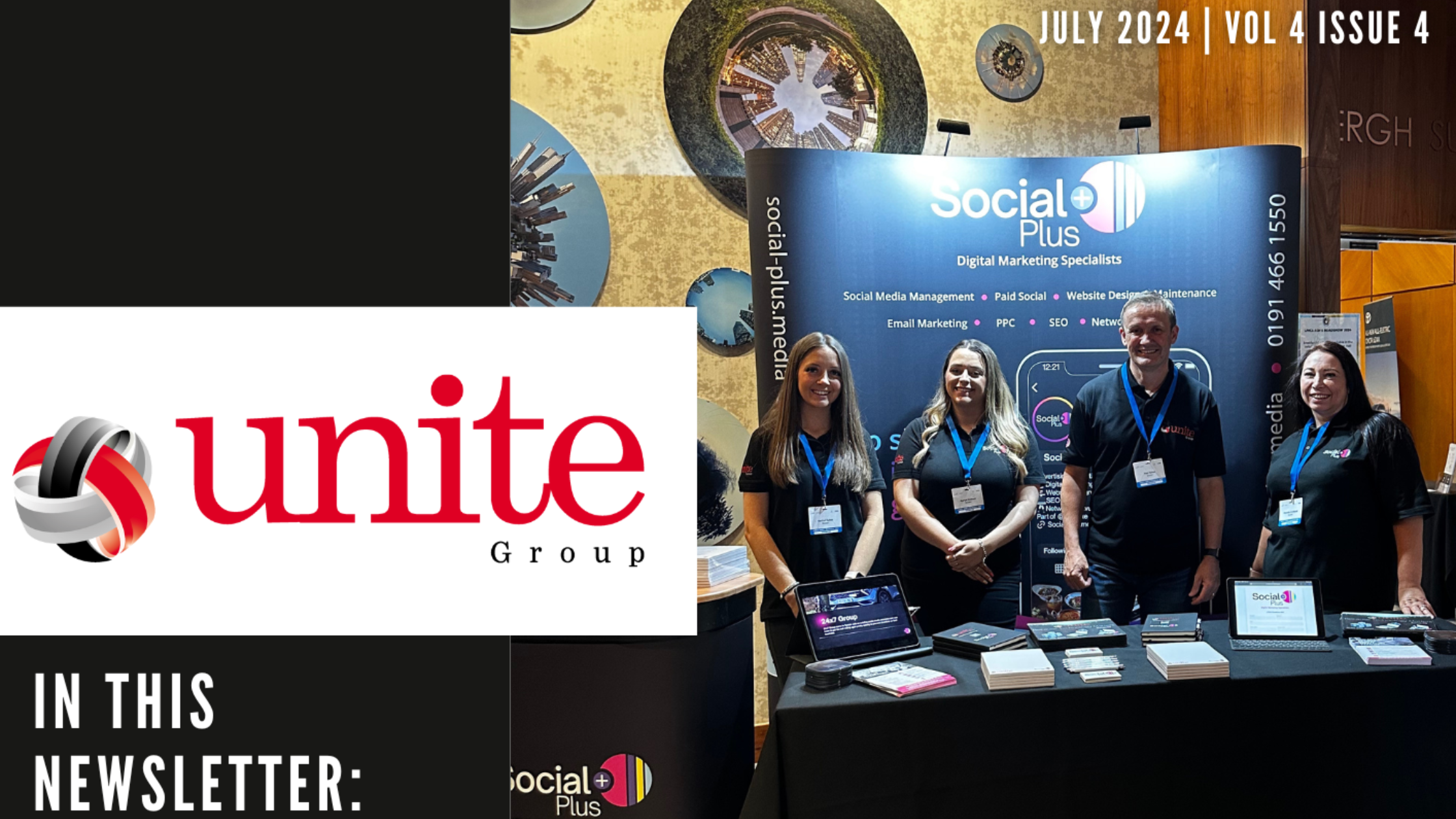
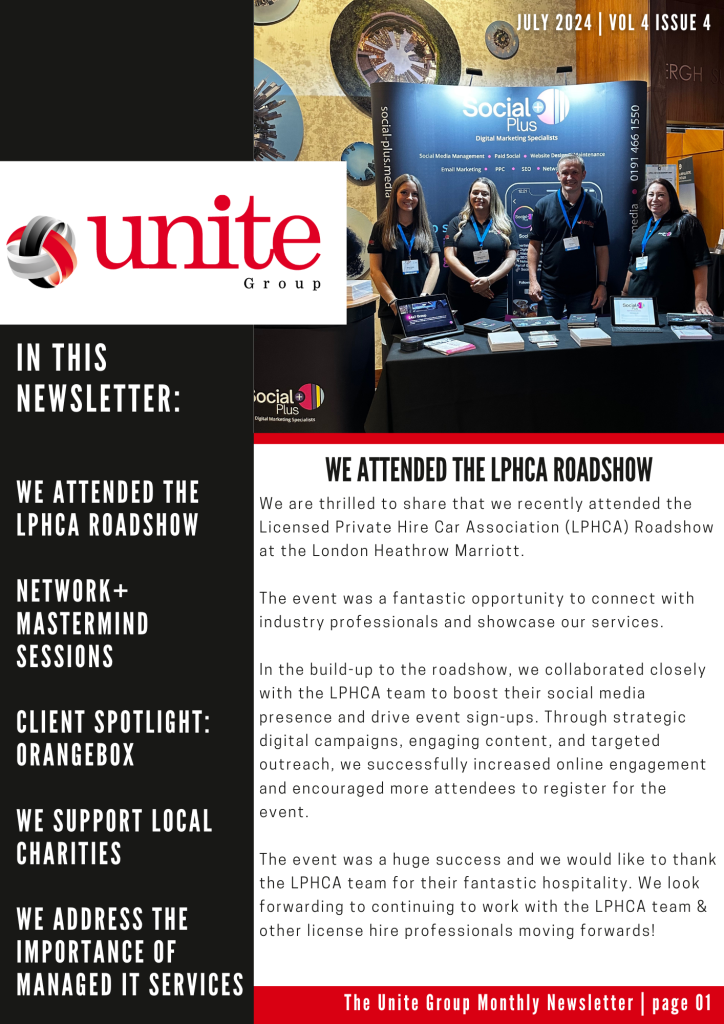
    What a whirlwind July has been for our team here at The Unite Group! We’re excited to share our latest newsletter to keep you informed about all the happenings this month.

    In this issue: We attended the LPHCA Roadshow, learn more about Network+ Mastermind Sessions, we spotlight our clients – Organgebox, we support Sport Newcastle at their golf day sponsored by SOS Group, we share 3 exciting new opportunities to join our team and we address the importance of Managed IT Services.

    To check out The Unite Group’s July Newsletter, click on the image below!

    Want to join our mailing list? Drop us an email at info@theunitegroup.co.uk, or give our friendly team a call at 0191 466 1050.

  • May 2024 – Newsletter

    May 2024 – Newsletter

    Another busy month has come to an end and so we share with you our latest newsletter recapping May and everything we have had going on within The Unite Group throughout the month.

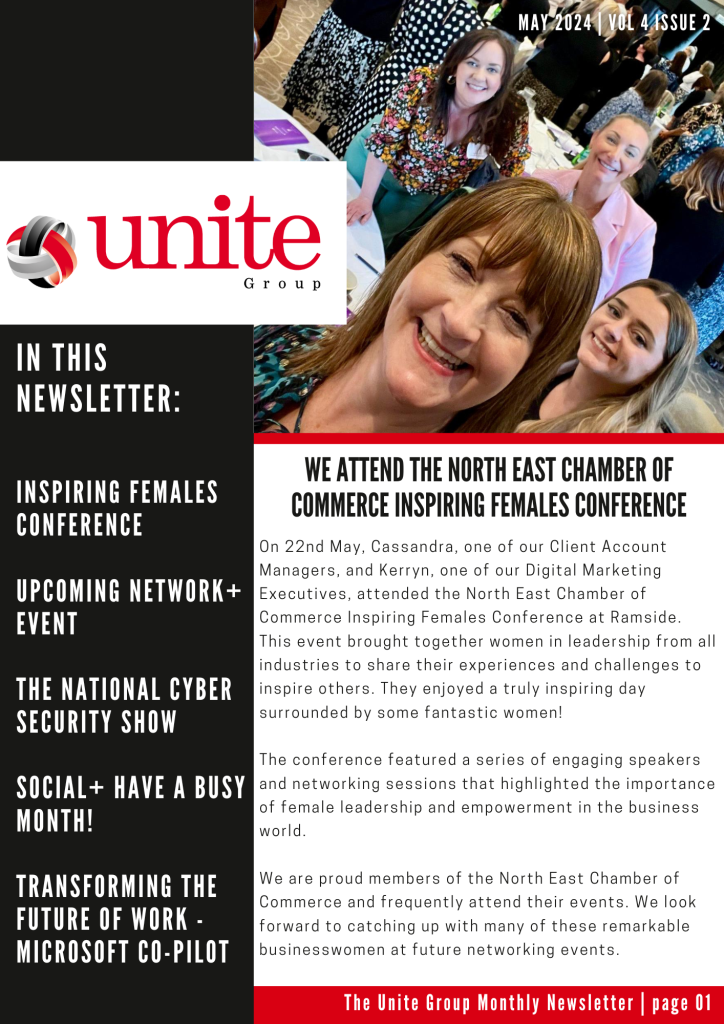
    In this newsletter: We attend the North East Chamber of Commerce Inspiring Females event, Network+ announces their next networking event, we attend the National Cyber Security Show, we celebrate a promotion within our team, and learn more about transforming the future of work with Microsoft Co-Pilot.

    To read The Unite Group’s May Newsletter, click on the image below!

    To be added to our mailing list drop us an email, info@theunitegroup.co.uk or to speak to our friendly team call us on, 0191 466 1050.

  • April 2024 – Newsletter

    April 2024 – Newsletter

    What a busy month April has been for our team here at The Unite Group! We bring you our latest newsletter to keep you up-to-date with everything that has been going on here throughout April.

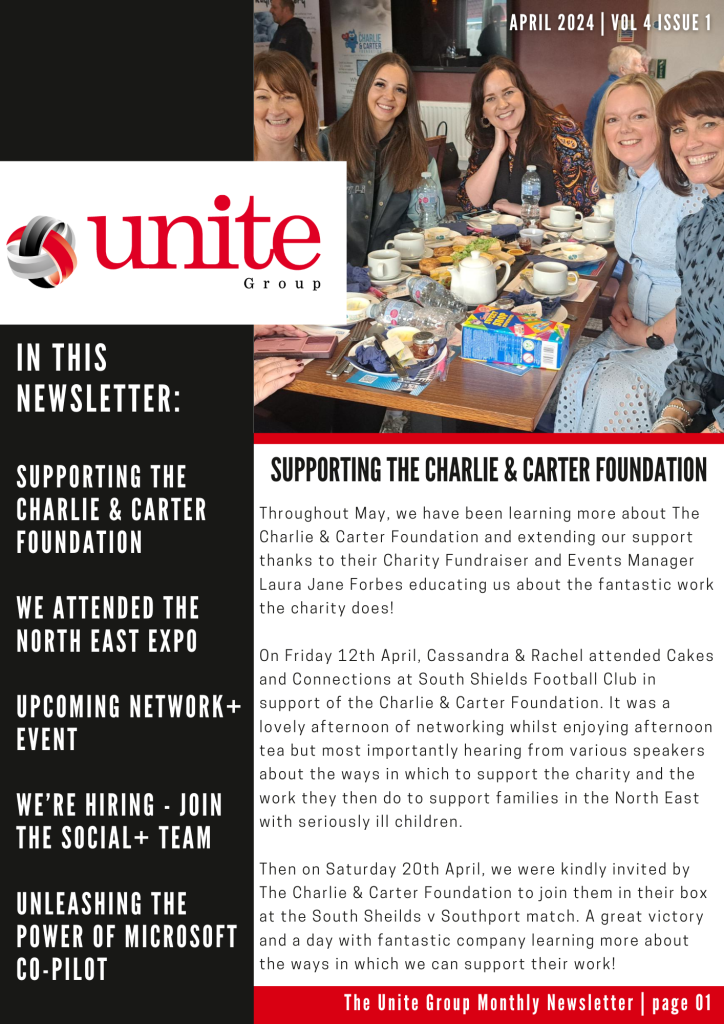
    In this newsletter: Supporting The Charlie & Carter FoundationNetwork+ announces their next networking event, we attended the North East Expo, we’re hiring – join the Social+ team, and learn more about unleashing the power of Microsoft Co-Pilot.

    To read The Unite Group’s April Newsletter, click on the image below!

    To be added to our mailing list drop us an email, info@theunitegroup.co.uk or to speak to our friendly team call us on, 0191 466 1050.

  • Elevating Collaboration with Microsoft Co-Pilot: A Dive into Intelligent Collaboration

    Elevating Collaboration with Microsoft Co-Pilot: A Dive into Intelligent Collaboration

    6 people working round a table all working on laptops. Text reads: Elevating Collaboration with Microsoft Co-Pilot: A Dive into Intelligent Collaboration

    In the fast-paced digital world, collaboration lies at the heart of innovation and productivity. As businesses strive to streamline workflows and enhance team synergy, the role of technology in facilitating intelligent collaboration becomes increasingly paramount. Enter Microsoft Co-Pilot – a groundbreaking innovation that redefines collaboration through intelligent assistance and seamless integration.

    In this blog, we’ll explore how Microsoft Co-Pilot is revolutionising collaboration by harnessing the power of artificial intelligence (AI). As well as its intuitive features to elevate teamwork to new heights.

    Understanding Microsoft Co-Pilot:

    Microsoft Co-Pilot represents a paradigm shift in how teams collaborate and interact with technology. It is an AI-powered assistant that integrates seamlessly with Microsoft Office applications, such as Word, Excel, and PowerPoint, to enhance productivity and streamline workflows. Moreover, by leveraging machine learning and natural language processing capabilities, Co-Pilot provides intelligent suggestions, automates tasks, and facilitates more efficient collaboration among team members.

    The Essence of Intelligent Collaboration:

    Intelligent collaboration transcends traditional notions of teamwork by harnessing the collective power of human expertise and artificial intelligence. It is about empowering individuals to work smarter, not harder. By leveraging technology to augment their capabilities and streamline collaboration processes. Furthermore, with Microsoft Co-Pilot, intelligent collaboration becomes the cornerstone of productivity, creativity, and innovation within organisations.

    Key Features of Microsoft Co-Pilot for Intelligent Collaboration:

    Real-Time Suggestions and Enhancements:

    Co-Pilot analyses user interactions within Microsoft Office applications. It provides real-time suggestions and enhancements to improve document formatting, grammar, and content structure. This feature streamlines the collaboration process and ensures consistency and professionalism in documents.

    Task Automation and Workflow Optimisation:

    Say goodbye to manual, repetitive tasks with Co-Pilot’s task automation capabilities. By observing user behaviour and work patterns, Co-Pilot automates routine tasks, such as data entry, formatting, and file organisation, freeing up time for more strategic endeavours.

    Contextual Insights and Recommendations:

    Co-Pilot goes beyond being a passive assistant; it becomes a proactive collaborator. By understanding the context of user interactions and project objectives, Co-Pilot provides contextual insights and recommendations to guide decision-making and optimise outcomes.

    Personalised Learning and Adaptation:

    As users engage with Co-Pilot, the AI assistant learns from their preferences, behaviours, and feedback, creating a personalised collaboration experience. Over time, Co-Pilot adapts to individual work styles and optimises its suggestions to better align with user needs and preferences.

    Seamless Integration and Accessibility:

    Co-Pilot seamlessly integrates with existing Microsoft Office workflows, ensuring a frictionless collaboration experience for users. Whether working on desktop or mobile devices, team members can access Co-Pilot’s intelligent assistance anytime, anywhere, enhancing productivity and collaboration across distributed teams.

    Benefits of Intelligent Collaboration with Microsoft Co-Pilot:

    Enhanced Productivity:

    By automating repetitive tasks and providing intelligent suggestions, Co-Pilot boosts productivity and enables teams to focus on high-value activities.

    Improved Quality and Consistency:

    Co-Pilot’s real-time suggestions and enhancements ensure the quality and consistency of documents and deliverables, enhancing professionalism and brand integrity.

    Faster Decision-Making:

    With contextual insights and recommendations, Co-Pilot accelerates decision-making processes by providing relevant information and guidance at the right time.

    Empowered Creativity:

    Co-Pilot unleashes creativity by providing inspiration, suggestions, and alternative perspectives, fuelling innovation and collaboration within teams.

    Greater Accessibility and Inclusivity:

    Co-Pilot’s seamless integration and accessibility features ensure that collaboration tools are available to all team members, regardless of location or ability, fostering inclusivity and diversity within organisations.

    Conclusion: Embracing the Future of Collaboration

    As we navigate the complexities of the digital age, intelligent collaboration emerges as a transformative force driving organisational success. With Microsoft Co-Pilot, intelligent collaboration becomes more than just a concept; it becomes a reality. Furthermore, by harnessing the power of AI and intuitive features, Co-Pilot empowers teams to work smarter, collaborate more effectively, and achieve greater outcomes. As organisations embrace the future of collaboration, Microsoft Co-Pilot stands ready to elevate teamwork, creativity, and innovation to unprecedented levels of excellence.

    Finally, if you would like to find out if your organisation is ready for Microsoft Co-Pilot to be implemented, contact us today!